

Key takeaways
- The wall decides more than the mount does. Concrete and block need sleeve or wedge anchors and a hammer drill; steel studs need purpose-made toggle fixings, not the lag bolts in the box; wood studs take lag bolts straight in. Know which one you've got before you shop.
- VESA pattern and weight rating both have to clear — from the manual, not the box art. Screen size alone tells you neither.
- Seating decides fixed, tilt or full motion. One seat facing the screen at eye level, a screen mounted high, or seats spread across the room each point to a different type.
- Standoff distance adds up. A slim fixed mount holds the TV about an inch off the wall; a full-motion arm folded flat sits two to three inches out, more once it's extended.
- Cable access is a buying decision, not an afterthought. If you'll ever need to reach the ports again, that has to be true of the mount you pick, not something you discover after it's up.
Every TV mount buying guide starts the same way: fixed, tilt or full motion, pick one. That's not actually the first decision. The wall behind your TV decides what you're physically allowed to fix into it, and that's true before you've looked at a single bracket. Buy the wrong mount for a poured-concrete condo wall and it doesn't matter how good the hinge is — it's going back in the box.
Run through these in order and you'll land on the right mount for your actual room, not a generic one.
- Concrete or block wall
- Condo standard across the GTA. Sleeve or wedge anchors and a hammer drill, whatever mount you pick.
- Steel stud wall
- Common in newer GTA builds. Needs purpose-made toggle fixings, not the lag bolts in the box.
- Wood stud behind drywall
- Typical older Toronto housing stock. Lag bolts straight into the stud, once you've found it.
- One seat, straight on
- Fixed mount. Slimmest profile, about an inch off the wall.
- Multiple or off-angle seats
- Full motion. Costs more clearance and more money for the flexibility.
- TV going above a fireplace
- Tilt at minimum, so you can angle the glare away from eye level.
What's Behind Your Wall? Start Here.
This is the constraint almost every buying guide skips, and across the GTA it's the one that actually determines what you can buy. Three wall types cover most of the region, and each one rules out a different set of hardware before you've thought about screen size at all.
Poured concrete or block is the default in Toronto-area condos, from older towers to brand-new builds. It's an excellent fixing once you're into it — arguably stronger than wood — but it needs a hammer drill, the correct masonry bit, and sleeve or wedge anchors rated for the load. The screws that ship in the box with most mounts are sized for wood and won't do the job.
Steel studs show up in newer GTA builds and plenty of commercial-adjacent construction. They're hollow and thin, so the lag bolts meant for timber just spin. Steel needs purpose-made toggle fixings rated for the weight going up, and this is the single fixing most often got wrong on a DIY install.
Wood studs behind drywall are what you'll mostly find in older Toronto houses. Lag bolts driven straight into the stud are the strongest fixing available, but "straight into the stud" is doing the work in that sentence — studs run roughly 16 inches apart and a stud finder reads density, so it can't always tell timber from a pipe or a seam.

Not sure which one you've got? Tap the wall. A dull, dead sound with almost no give is concrete or block. A hollow knock that changes pitch every 16 inches or so is drywall over studs, wood or steel. If you genuinely can't tell, that's worth confirming before you buy rather than after.
Match VESA Pattern and Weight to the Mount, Not the Screen Size
Once the wall tells you what fixing you need, the TV side of the equation is two numbers, and both of them have to clear.
- Measure the VESA pattern. That's the horizontal and vertical distance, in millimetres, between the centres of the four threaded holes on the back of the panel — common patterns are 200×200, 400×400 and 600×400. It's also printed in the manual and usually on the original carton.
- Find the weight without the stand. It's in the manual, not on a spec sheet online that may be describing a different regional version of the same model.
- Check both against the mount's rated range. A mount lists a supported VESA range and a maximum weight. Your TV's numbers need to sit inside both, not just one.
Screen size alone tells you neither of these. Two televisions with the same diagonal can differ by several kilograms depending on panel type, and newer sets tend to be lighter but physically wider, which can put the fixing holes outside an older or budget mount's arms. If you want the actual tape-measure steps for finding the pattern and marking the wall, our guide to accurate TV wall mount measurements walks through it.

If the numbers don't quite line up
A VESA adapter plate bridges most small gaps between your TV's pattern and the mount's supported range, and it costs very little. Forcing a bracket arm outward to reach holes it wasn't built for isn't the same fix — it's a smaller one that fails later.
Let Your Seats Decide: Fixed, Tilt or Full Motion
With the wall and the VESA numbers settled, the type comes down to where people actually sit. One seat, dead centre, at eye level — a fixed mount is the simplest, cheapest and slimmest option, and there's no reason to pay for movement you'll never use. TV going up high, above a fireplace or a bar — a tilting mount lets you angle the glare down toward the seating without a screwdriver in hand. Seating spread across the room, an open-plan layout, or a spot off to one side of the screen — full motion is what earns its keep there.
For how each of those three actually swings, tilts and locks once it's on the wall, our breakdown of fixed, tilting and full-motion brackets covers the mechanics in full. This is about which one fits your room; that post is about how each one works.
How Far Off the Wall Do You Need the Screen?
The mount you choose sets how far the panel sits off the wall, and that matters more than most buying guides let on. A slim fixed mount holds the TV about an inch off the wall — the tightest profile available, and the reason fixed mounts look so clean over a bare wall. A full-motion arm folded flat typically sits two to three inches out, and considerably further once it's extended toward the room.
If the screen sits above furniture — a console, a fireplace mantel, a shelf — leave clearance between the bottom of the panel and whatever's below it, roughly four to six inches, so nothing crowds the frame or blocks a vent. And if the wall itself isn't flat — a recessed niche, an uneven fireplace surround, a thick cable run already in place — the mount needs enough standoff to clear it, which can rule out the slimmest fixed options entirely.

Do You Need to Reach the Ports After It's Up?
This is easy to skip and expensive to fix afterward. A fixed or tilting mount holds the panel close and flat, which is exactly what makes it awkward to get behind once it's on the wall. A full-motion arm swings the screen forward, so the back stays reachable for a new HDMI cable or a soundbar re-plug without taking the TV down.
Whichever type you pick, leave a service loop of slack in the cables behind the panel — a few extra inches coiled, not pulled taut — so the screen can come off the mount without yanking a connector loose. If you're routing cable inside the wall instead of leaving it on show, that's a decision worth making before the plate goes up. Our invisible wire concealment service handles that in-wall routing if you'd rather it was done properly the first time.
The Accessories Worth Buying
Most of what's marketed as a TV mounting accessory is either essential or padding, and it's worth knowing which is which before you add it to the cart.
| Accessory | Worth it when | Skip it when |
|---|---|---|
| VESA adapter plate | Your TV's pattern is close to, but outside, the mount's supported range | The patterns already match — it's one more joint for no reason |
| Concrete sleeve or wedge anchors | You're fixing into poured concrete or block, which describes most GTA condos | You're into a wood or steel stud — wrong fastener for the material |
| Steel toggle fixings | You're fixing into a hollow metal stud | You're into solid concrete or timber, where they're the wrong tool |
| Locking washers or thread-lock | You've bought a full-motion mount — the movement works bolts loose over time | Fixed mount, nothing moving, nothing to work loose |
| Cable raceway or in-wall kit | You want the console-to-screen run gone rather than dressed up | The console sits right below the screen with barely any run to hide |
One thing worth naming directly: the screws and anchors bundled with a budget mount are almost always sized for wood studs. On a concrete or steel-stud wall, plan to buy the correct fixings separately — it's a small extra cost against getting the anchor wrong.
When to Call a TV Mount Installer Instead of DIYing It
Plenty of this is genuinely fine to handle yourself: a straightforward wood-stud wall, a single fixed mount, a TV you can lift comfortably with a second pair of hands. Where it stops being a Saturday-afternoon job is concrete or steel-stud fixings, anything above a fireplace where a slip means real damage, or a panel big enough that getting it off the wall alone isn't safe. Already mounted and something's off — crooked, wobbling, pulling away from the wall — our troubleshooting guide covers that instead.
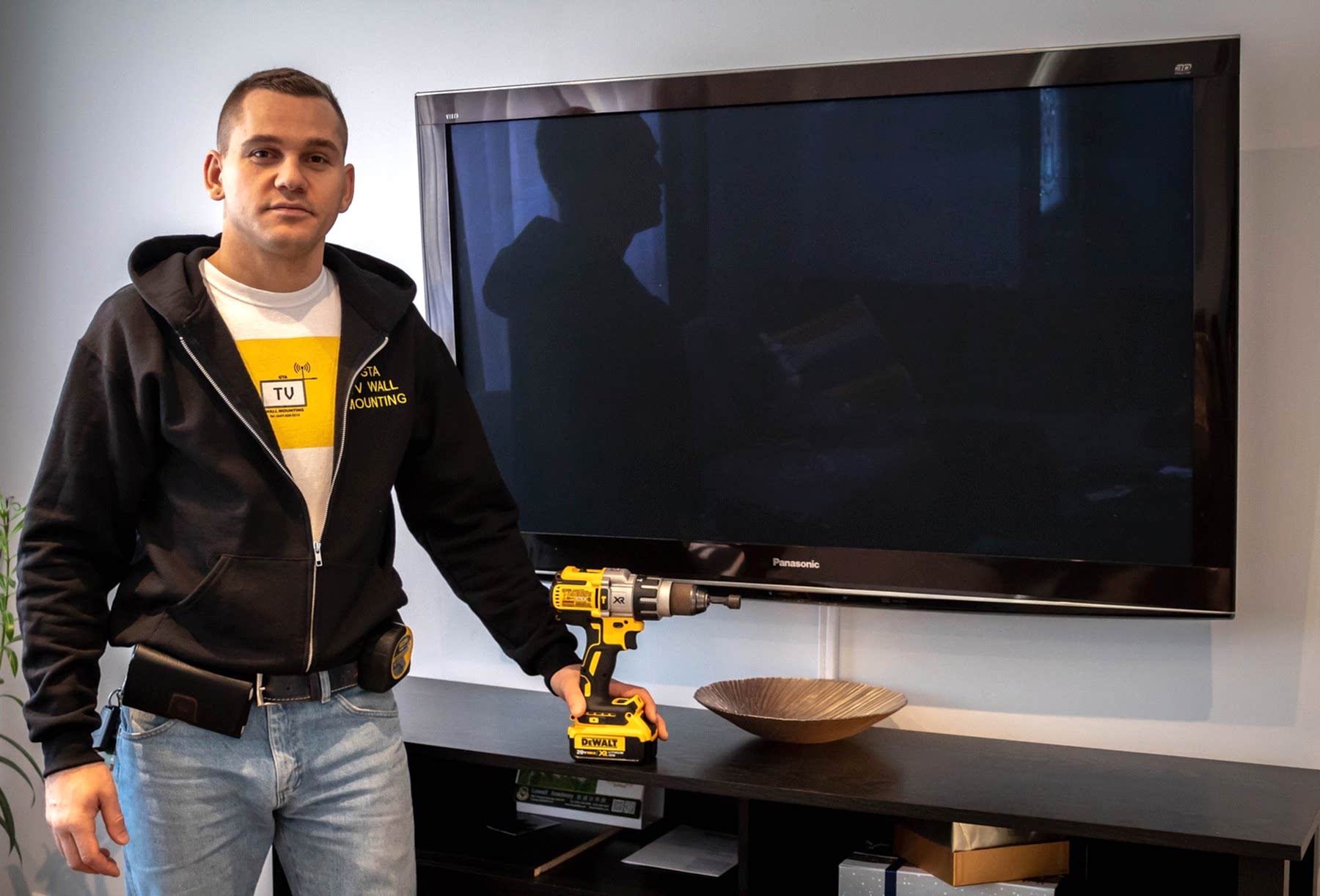
GTA TV Wall Mounting has fixed televisions into concrete, steel studs, brick and every kind of drywall across Toronto and the surrounding GTA service areas. We carry $2,000,000 commercial liability insurance and back every job with a one year material and workmanship warranty, and if you want to compare that against installing it yourself for reasons other than curiosity, we're up to 50% less than comparable big-box store installation services. Tell us the wall and the TV, and we'll tell you exactly what it needs.
Frequently Asked Questions
What is a VESA TV mount?
VESA is the standard that sets the spacing of the four threaded holes on the back of a television, measured centre to centre in millimetres. A 400×400 pattern means the holes are 400 mm apart horizontally and vertically.
Any mount described as VESA compatible will list the patterns it supports. If your TV's pattern is in that list, the bracket will bolt on.
What size wall mount do I need?
Three numbers decide it: your TV's VESA pattern, its weight without the stand, and the screen-size range the mount is rated for. All three are in the manual, and all three have to pass.
Screen size alone isn't enough — two 65″ sets can differ by several kilograms depending on panel type.
Will my old mount fit my new TV?
Only if the VESA patterns match and the new set is within the mount's weight and size rating. Newer panels are often lighter but physically wider, which can put the fixing holes outside the old bracket's arms.
Check the pattern before you assume — it's a five-minute measurement that saves an unnecessary purchase.
Can I reuse my existing TV mount?
Frequently yes, if the bracket is undamaged and the ratings still cover the new television. Replace it if the arms are bent, threads are stripped, or the new set is heavier than the mount is rated for.
Reusing the wall plate also means reusing the existing holes, which saves patching.
Can a TV be mounted on metal studs?
Yes, but not with the lag bolts supplied for wood framing. Steel studs are hollow and thin, so they need purpose-made toggle fixings rated for the load.
Metal studs are common in condos and commercial buildings across the GTA, and this is the fixing most often got wrong on a DIY install.
How do I find my TV's VESA size?
Measure the horizontal and vertical distance in millimetres between the centres of the four mounting holes on the back of the panel. That pair of numbers is the pattern. It's also printed in the manual and usually on the original carton.
Fixed, tilting or full motion — which should I pick?
Fixed if the screen sits at seated eye level and the seating faces it squarely. Tilting if the screen has to go high, such as above a fireplace, so you can angle it down. Full motion if seating is spread across the room or off to one side, or if you need to reach the ports regularly.
Can I mount a TV on a concrete or brick wall?
Yes, and it's a very strong fixing. You'll need a hammer drill, the correct masonry bit and sleeve or wedge anchors rated for the load. Drill into the brick itself rather than the mortar joint where you can — mortar is the weaker material.
Does the mount affect how far the TV sits from the wall?
Considerably. A slim fixed mount holds the panel about an inch off the wall. A full-motion arm folded flat typically sits two to three inches out, and further still if the bracket has to clear a recessed area or a thick cable run.